

How to Design Custom Poker Chips Without Illustrator (2026 Guide)
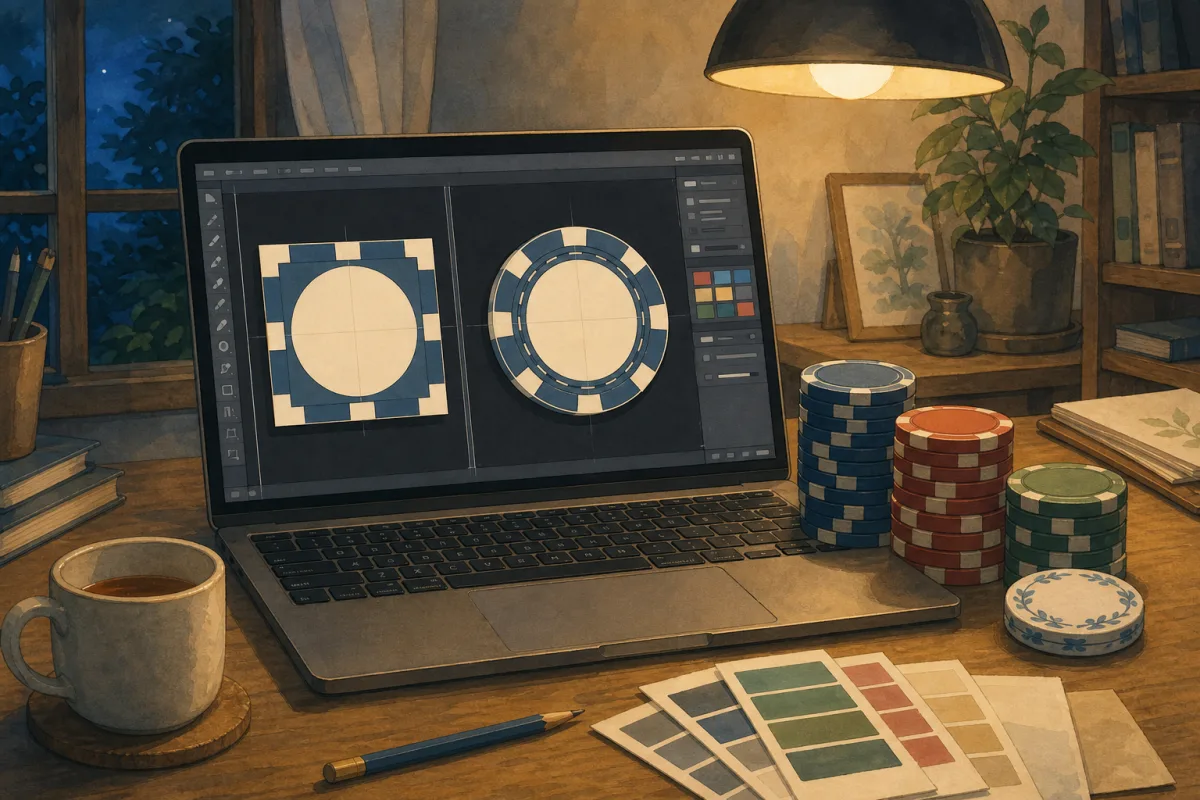
No Adobe subscription? Draft ring text and colours in AI Label Assistant chat, fine-tune in Label Studio, and preview on a chip body before a 500-chip order - free in the browser.
Start here: pick a layout, then tap a starter in the demo below. Label Studio opens with that template — tune ring text, layers, and 'View on chip' in the editor. No Illustrator, no account.
Below the demo, this guide covers why generic tools fall short, how 'AI Label Assistant' chat and the manual controls replace desktop design software, and when to hand off to print-ready files or our $136 full design service. Start with the custom poker chip design brief checklist if you have not locked denominations and layout yet; for chat prompts and limits, see the AI Label Assistant guide. Pair with the custom poker chips artwork guide for CMYK specs and clay vs ceramic print fidelity. When you export, read vector vs PNG poker chip artwork before you upload. Ordering with only a club or company logo? Start with custom poker chips with logo for placement and material choice.
Try Label Studio - no Illustrator required
On mobile the embed is a starter picker — choose casino ring, full ring, or classic stack, then tap cash game, tournament, or corporate. Label Studio opens immediately with that design ready to edit.
New to the editor? The Label Studio usage guide walks through every panel - 'AI Label Assistant', 'Layers', arcs, fonts, and 'View on chip'.
'AI Label Assistant' - describe your chip in chat
If you do not know where to start, open the full editor - click 'Continue Designing in Label Studio' from the demo above, or go straight to Label Studio. Expand 'AI Label Assistant' (Beta) in the left sidebar, above 'Layers', and describe the chip you want in plain English. Try "Cash game - navy background, gold rings, $25 centre, top ring MIDNIGHT POKER CLUB" or "Change the centre shape to a diamond." The assistant updates ring text, denominations, colours, fonts, and shapes on the live preview - the same editable layers you would change by hand.
Chat is a fast first pass, not a logo uploader. Upload logos and images in 'Layers' after the layout is close, then drag, lock, and fine-tune as usual. Your mockup autosaves; download a PNG or share the link for committee sign-off. Example prompts, rate limits, and what chat cannot do (blind structures, uploaded image edits): AI Label Assistant guide.
Why generic tools struggle on a chip face
Casino chips are not coasters. The printable inlay face on standard 10g chips is a small circle - the same area on both clay inlay and ceramic direct-print lines. Three paths look convenient until you need curved ring copy:
| Tool | What it does well | Where it breaks on chips |
|---|---|---|
| Adobe Illustrator | Print-ready vectors, precise kerning | Steep learning curve; monthly cost; overkill if you only need a layout brief |
| Browser design tools | Fast logos and flat layouts in the browser | Usually no independent top/bottom arcs; often RGB exports; ring copy as straight text on a square artboard |
| Supplier “chip customizers” | Quick logo on a cart preview | One layout, one font list, often 2D face only - not a label studio |
Get the ring wrong and the cost is not a wasted Tuesday - it is 500+ chips with illegible arc text, a logo lost on dark clay, or a committee redo after proofs. Nail layout before the quote.
Ring text is the clearest gap: browser tools put straight lines on a square artboard; Label Studio gives each arc its own path and spacing.
What to mock now (and what can wait)
Separate layout intent from manufacturing files. You need the first before getting an instant quote; we still refine the second at proof.
Mock before you quote:
- Ring text - room name, league title, or event year on top and bottom arcs
- Centre stack - logo, tagline, or denomination
- Contrast - light type on a dark inlay, or a dark crest on cream
- Material feel - does the art read on clay and ceramic body colours?
Fine to leave for proof or design service:
- CMYK conversion and ink-shift checks
- Vector redraw of a low-res logo
- Per-denomination variants across the full set
Already have AI, EPS, or SVG in CMYK? Upload via own artwork in the quote - often the fastest proof path. No files yet? 'AI Label Assistant' chat or manual Label Studio is the free starting point; full design service is optional, not a required next step.
The Label Studio controls that matter
Label Studio is built for chip-face inlay geometry - closer to inlay artwork software than a flat logo uploader. These are the controls hosts and club treasurers actually use; each comparison below pairs a typical workaround with the Studio equivalent.
Layers - one upload field vs a stack you can lock and reorder
Flat configurators stop at upload logo + one text field. The 'Layers' panel stacks shapes, arc text, centre lines, and images - lockable, reorderable, and editable on the live preview.
Layouts - one template vs casino ring, full ring, and classic stack
Three foundations match how casinos print inlays. Each keeps its own autosaved draft, so your cash-game and tournament variants do not overwrite each other.
Typography - system fonts vs twelve casino-ready faces
25 / 100 / 500 has to read from across the table. Condensed casino display and tournament bold faces beat Arial stretched around a ring.
Expand any text row for font, weight, size, colour, and tracking. 'Full ring' layouts add a 'Start °' control for wrap-around edge copy.
'View on chip' - see your label on a real chip body
A flat label preview on its own does not show how your design sits on a real chip. Open 'View on chip' to place your artwork on clay or ceramic and try different stock body colours before you order. That preview is for layout only - custom body and edge spots per denomination need Full Chip Customisation on ceramic (edge spots guide). On clay, you customise the printed inlay; the chip body is factory standard.
Use 'Invert' when a light crest disappears on a dark inlay. Still choosing material? Clay inlays win for the smallest type; ceramic suits bold, high-contrast graphics at a 500-chip minimum.
From mockup to quote
You should already be in Label Studio if you tapped a starter. From here, six steps to a quote-ready mockup:
- Get into Label Studio - desktop: edit in the demo, then click 'Continue Designing in Label Studio'; mobile: tap a starter in the demo to open Studio with that template.
- Draft the layout - open 'AI Label Assistant' and describe your chip in chat, or pick a starter and edit ring and centre copy manually.
- Upload your logo - drag and resize on the preview in 'Layers'; use 'Invert' if it vanishes on a dark background.
- Tune ring and centre type - double-click text, adjust letter spacing per arc, size the denomination for the table.
- Check on a chip body - open 'View on chip', toggle clay / ceramic, swap edge colour; share the PNG or shareable link with your group.
- Get an instant quote - choose Label Studio on the design step and attach the mockup.
Label Studio output is a layout brief, not a manufacturing file. Proofs still refine spacing and CMYK - expected, and covered in the artwork design guide.
Three design paths in the quote (pick one)
The quote wizard offers three separate options - not a required sequence:
| Path | Cost | Best when |
|---|---|---|
| Label Studio | Free | You have a logo or a plain-English brief - mock layout with 'AI Label Assistant' or manual controls before MOQ |
| Own artwork upload | Free | You have print-ready AI/EPS/SVG or 300dpi+ PNG/PSD |
| Full design service | $136 | You want the team to build from a brief - no Studio required |
You do not have to use Studio before full design service. A Studio mockup alone is enough to attach to a quote and move to proof.
For a feature-by-feature comparison with flat supplier tools, read custom poker chip label designer online.
Common mistakes (and quick fixes)
| Mistake | Why it hurts | Fix |
|---|---|---|
| Blank canvas paralysis | Weeks pass with no mockup | Open 'AI Label Assistant' or tap a starter in the demo |
| Straight text on a square artboard | Ring kerning wrong; type bunches at the sides | Dual-ring arcs with per-arc spacing in Label Studio |
| RGB export from a browser tool | Reds and blues can shift at print | Mock in Studio; supply CMYK vectors or let proof convert |
| Tiny centre denomination | Unreadable across the table | Size for arm’s length; check 'View on chip' |
| One layout for every denomination | Inconsistent set | Save per-preset drafts; one system across values |
| Skipping chip-body preview | Logo vanishes on dark clay | 'View on chip' + 'Invert' before quoting |
| Treating the mockup as the print file | Delays at proof | Attach the PNG as layout intent; approve factory proof first |
When to stop at Studio - and when to ask for help
Start with 'AI Label Assistant' if you know the room name, colours, or denomination but not how to lay them out - chat builds a first draft; upload your logo in 'Layers' when you are ready.
Stay in Label Studio if you have a logo, know your room or club name, and need sign-off before a 500+ chip order. Share the autosaved link or export a PNG, then quote with the design attached.
Upload your own files if you or a designer already work in Illustrator - fastest sign-off when vector art is CMYK-clean.
Choose full design service ($136) if you want a crest redraw, complex multi-colour art, or zero time on layout - entirely optional.
Ready to order? Tap a tournament starter above if you have not opened Studio yet, refine until 25 reads from arm’s length, then get an instant quote with the mockup attached.
Browse the gallery for finished-set references, or read how to choose custom poker chips if material and set size are still open.