

Vector vs PNG Poker Chip Artwork: Which File to Upload
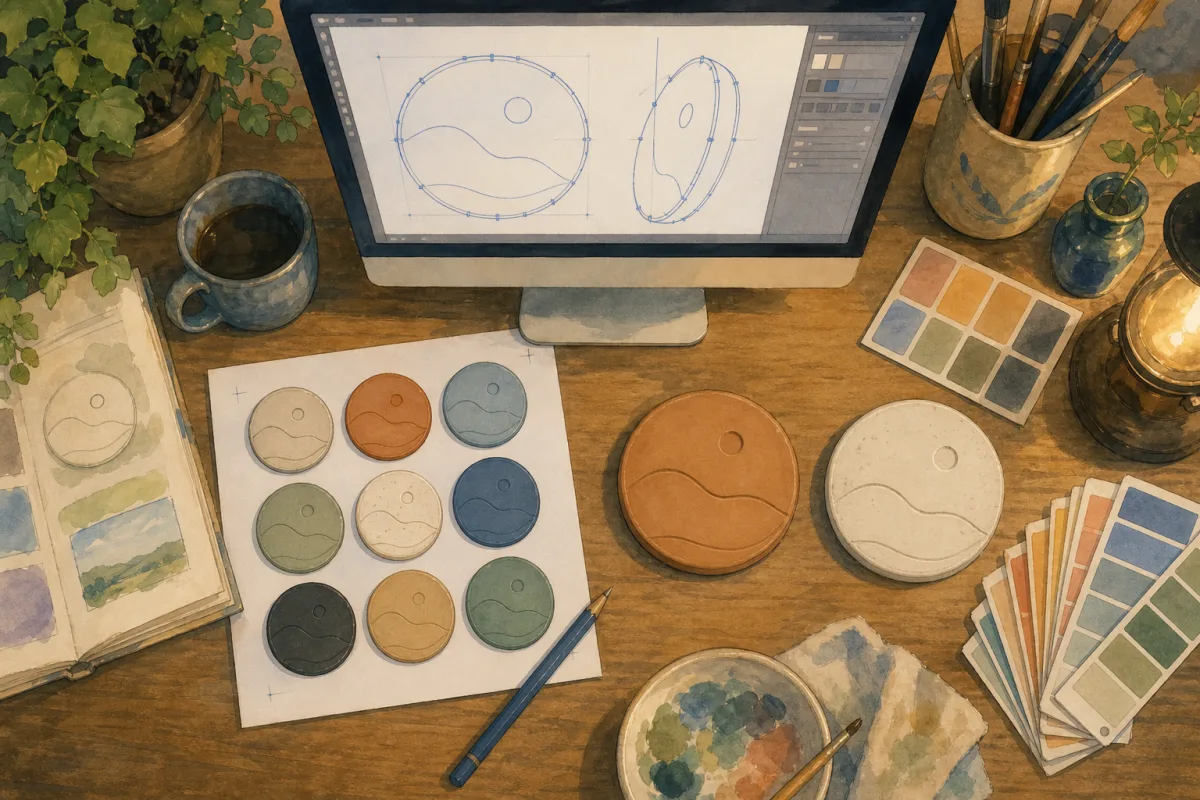
Vector or PNG for custom poker chips? The answer depends on your logo, your material line, and whether you exported from Canva or Illustrator - not on which format sounds more professional.
Bad artwork is the number one production delay on custom chip orders - and most delays trace to format confusion, not factory capacity. This article goes deeper than our custom poker chips artwork guide on one decision: vector vs PNG (and when PSD fits). It does not replace CMYK, safe-zone, or denomination rules in that pillar - it answers which file to send today.
Vector vs raster - what changes on a chip face
| Vector | Raster (PNG, PSD, JPEG) | |
|---|---|---|
| Built from | Paths, points, curves | Pixels |
| Scales | Without quality loss | Only if enough pixels exist |
| Best for | Logos, type, crests, ring text | Photos, painted textures, complex gradients |
| Typical proof speed | Days if print-ready | Days if 300dpi+; weeks if redraw needed |
| Chip lines | Clay and ceramic | Ceramic bold art; clay only if high-res |
A 39mm chip face is small. Ring text at 6pt equivalent fails fast when someone uploads a 120×120 pixel favicon.
When vector wins
Choose vector when your art includes:
- Club name around the ring
- Denomination numerals (25, 500, $25)
- Fine crest lines or thin serifs
- Multiple colour separations for CMYK print
Clay printed inlays - paper substrate set into the chip - are the most detail-hungry line. Small type that looks fine on screen can fill in on proof if the source was rasterised badly.
Export checklist:
- CMYK colour mode (not RGB)
- Fonts outlined (converted to paths)
- 3–4mm safe margin from die edge
- One file per denomination OR clearly labelled layers
Full specs: poker chip artwork design guide.
When PNG is enough
PNG (or PSD) works when:
- Resolution is 300dpi+ at final print size
- Art is bold - thick strokes, simple logo, high contrast
- You are on ceramic with minimal small type
- Source is a photograph or painted emblem that cannot vectorise cleanly
| Source | Usually works? |
|---|---|
| Illustrator export PNG @ 300dpi | Yes |
| Photoshop PSD, print dimensions | Yes |
| Canva PNG, max resolution | Often - expect CMYK shift |
| Website logo, right-click save | No |
| WhatsApp image | No |
Ceramic direct-to-chip printing bonds artwork to the surface - strong for bold logos; less forgiving than clay for hairline serifs if the PNG was never sharp.
Clay vs ceramic - same file rules, different fidelity
| Material | Construction | Art implication |
|---|---|---|
| Clay | Printed paper inlay | Vector or very high-res raster for small text |
| Ceramic | Direct print on chip | Bold raster acceptable; vector still best for denominations |
Print area is the same on both lines - do not choose ceramic expecting more pixels. Choose ceramic for durability, 500 MOQ, and no separate label - see clay vs ceramic. Optional Full Chip Customisation on ceramic adds custom body and edge spots per denomination; clay is label inlay only.
RGB vs CMYK - format is not colour mode
Uploading vector in RGB still causes proof surprises - reds and blues shift when converted to CMYK for print.
| Mode | Use |
|---|---|
| CMYK | Submit artwork this way when possible |
| RGB | Screen / Label Studio preview only |
| Pantone | Note in brief; factory matches closest CMYK |
Label Studio preview is layout approval - not final print colour. Proof approval guide.
Label Studio vs production files
Three separate quote paths - not a pipeline:
| Option | Output | Production use |
|---|---|---|
| Label Studio | Layout mockup | Brief - attach on quote summary |
| Own artwork upload | Your vector/PNG | Manufacturing after proof |
| Full design service ($136) | Team-built files | Manufacturing from brief |
Label Studio does not replace vector at the factory. It shortens "put the logo here" arguments. Step-by-step: how to use Label Studio.
Decision flowchart
Do you have AI, EPS, or SVG?
├─ YES → Export CMYK, outline fonts → upload (fastest)
└─ NO → Is PNG 300dpi+ at print size?
    ├─ YES → Clay with fine text? → consider vector redraw
    │        Ceramic bold logo? → upload PNG
    └─ NO → Mock in Label Studio + enquiry
            OR full design service ($136)
Common upload mistakes
| Mistake | Result | Fix |
|---|---|---|
| 72dpi web PNG | Blurry ring text | Vector or 300dpi+ export |
| JPEG with compression | Artefacts on solids | PNG or vector |
| RGB "vector" PDF | Colour shift | CMYK export |
| One PNG stretched across denominations | Uneven quality | Per-denom files or vector layers |
| Label Studio screenshot as only file | Not print-ready | Attach source logo too |
Denominations and ring text - vector pays off here
Centre 500 and ring "HOME GAME 2026" are 3mm tall on a chip. That is where vector vs PNG stops being academic - players read those numbers across the table.
Readability tips: denomination text size guide. Design brief checklist: custom poker chip design brief. Logo placement and MOQ when the crest is the whole job: custom poker chips with logo.
Ready to upload?
Export CMYK vector if you have it. If you only have PNG, check 300dpi at print size before you quote. Mock ring layout free in Label Studio - then get an instant quote with files attached for the fastest proof turnaround.